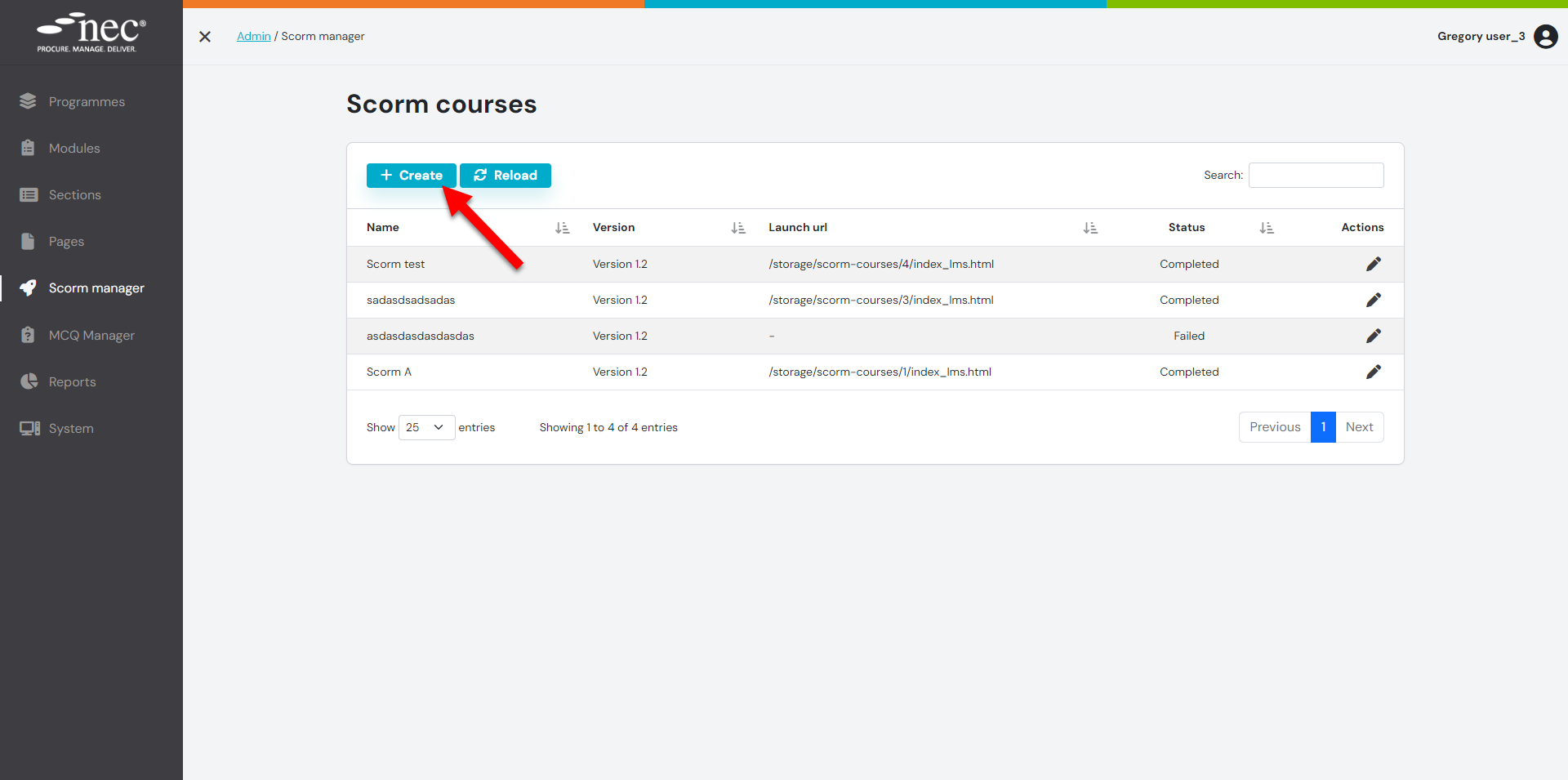
Step 1: On the SCORM Tab click the 'CREATE' button
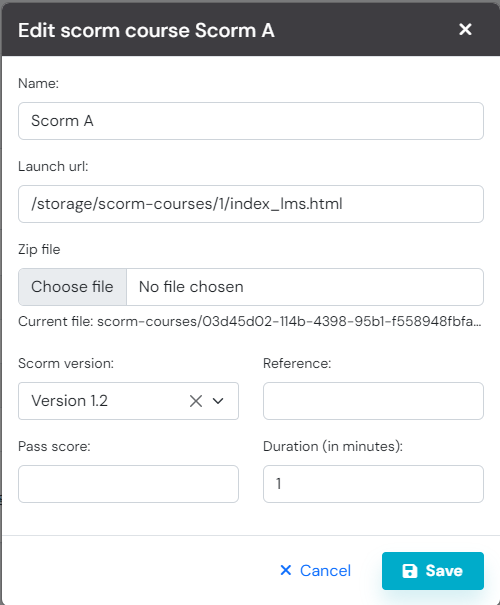
Step 2: Add the information required
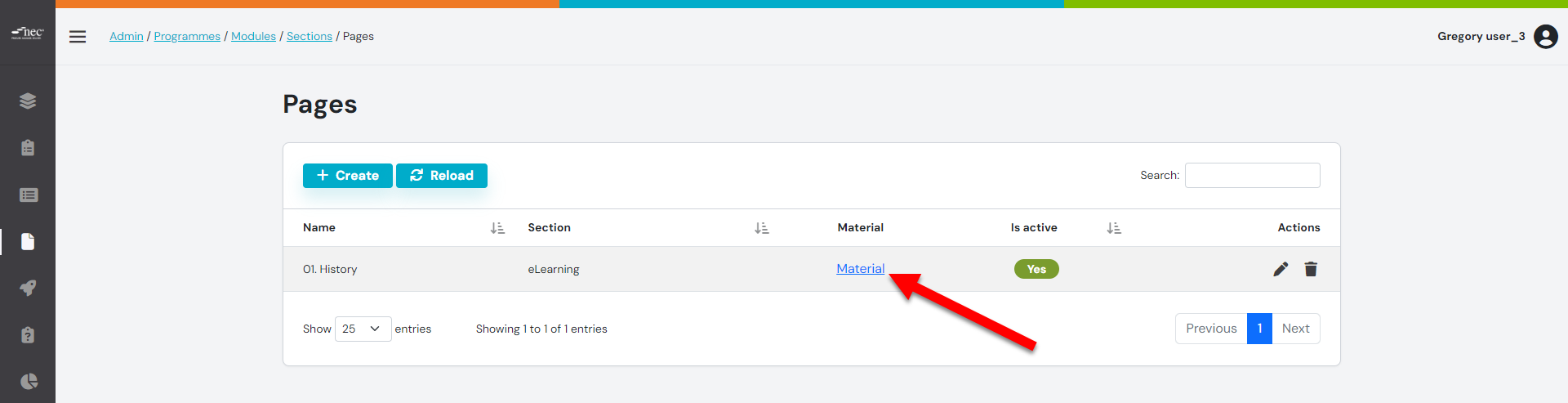
Step 3: From the Pages tab, click 'MATERIALS'
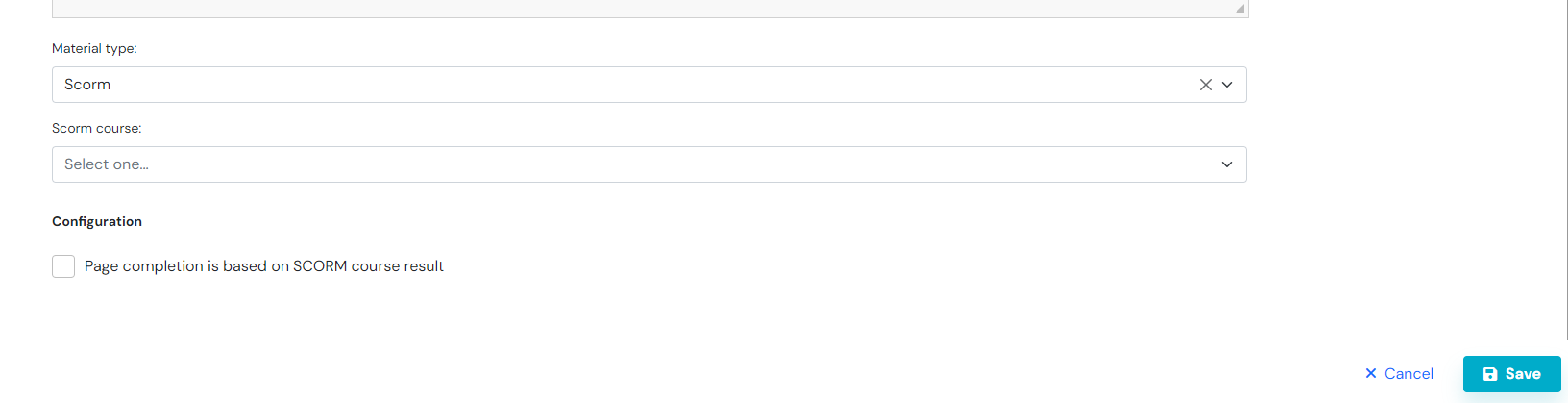
Step 4: Select SCORM, and the Course from the drop down menus, then press the 'SAVE' button
Select the page completion based on the SCROM course result, if required