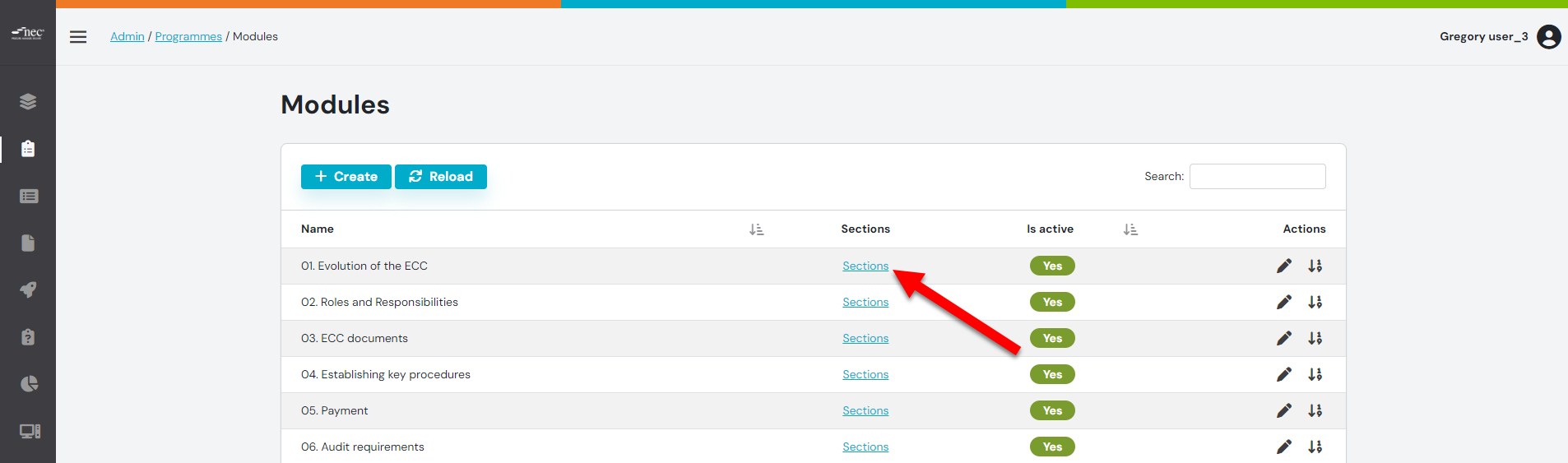
Step 1: From the Modules Tab, click the 'SECTIONS' button
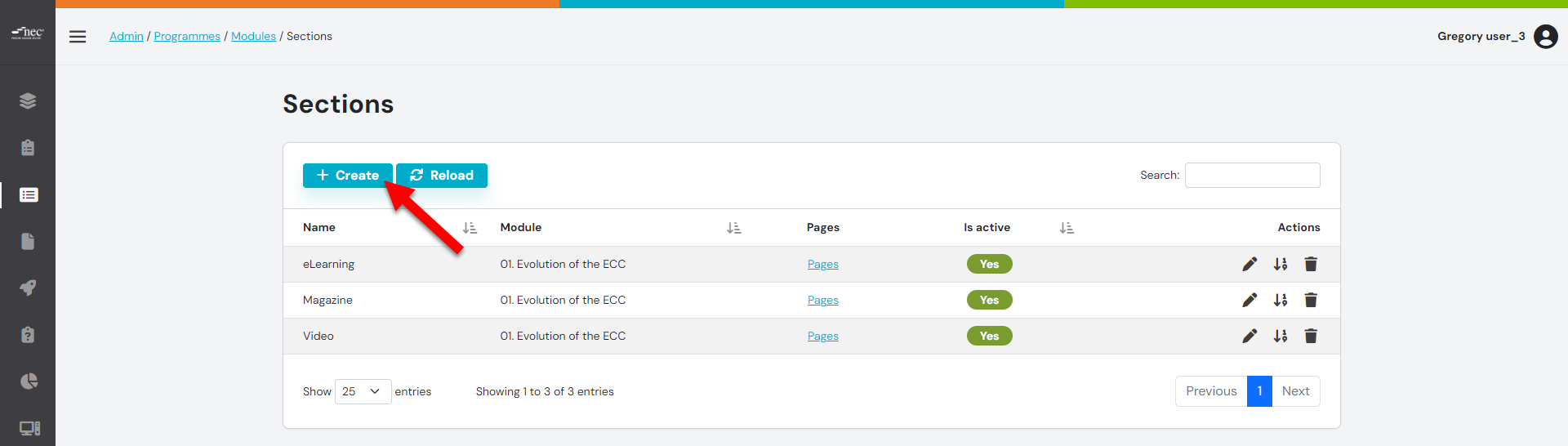
Step 2: Click the 'CREATE' button
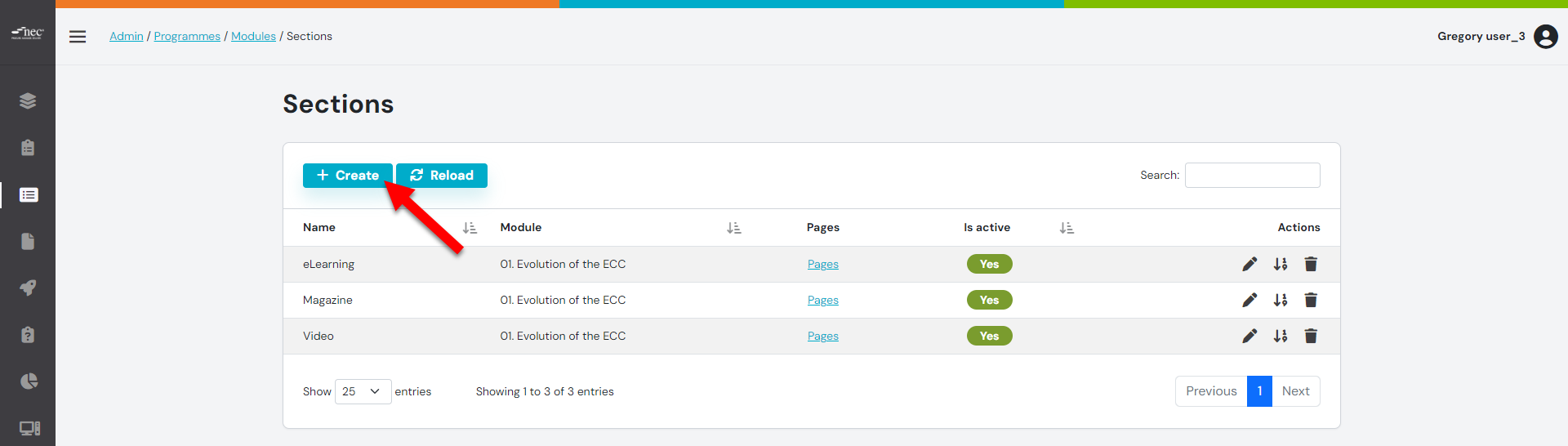
Step 3: Use the template in your article
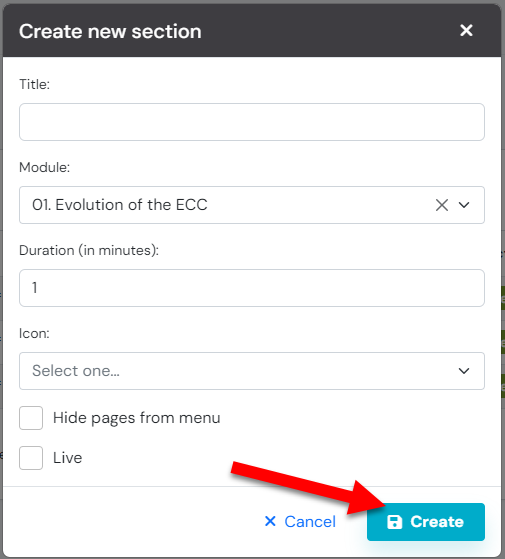
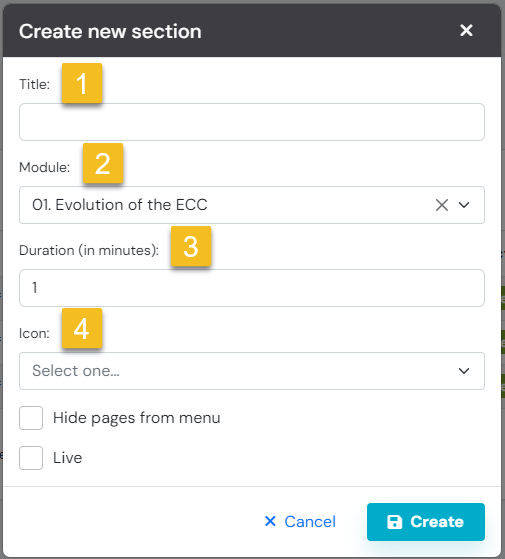
Step 4: Adding detail to the new Section
- Title the section
- From the drop down menu, select the module this section sits under
- Add the duration this module takes
- Select an Icon
Ensure to set the section live
Step 5_ Click the 'CREATE' button